
 by
by So the big draft is almost here. I hope you’ve done a practice draft or two before the big day. It will certainly help prevent any issues when making your pick when it actually counts. But, here’s a tip on a tool that can make you feel more at home like our good old live drafts.
So, ESPN does have their own visual draft board that resembles what we’re used to. But, it is a bit clunky and it’s almost in the way of drafting.
So, try this before the draft. Go to the Google Chrome Web Store and search for PICK PULSE.
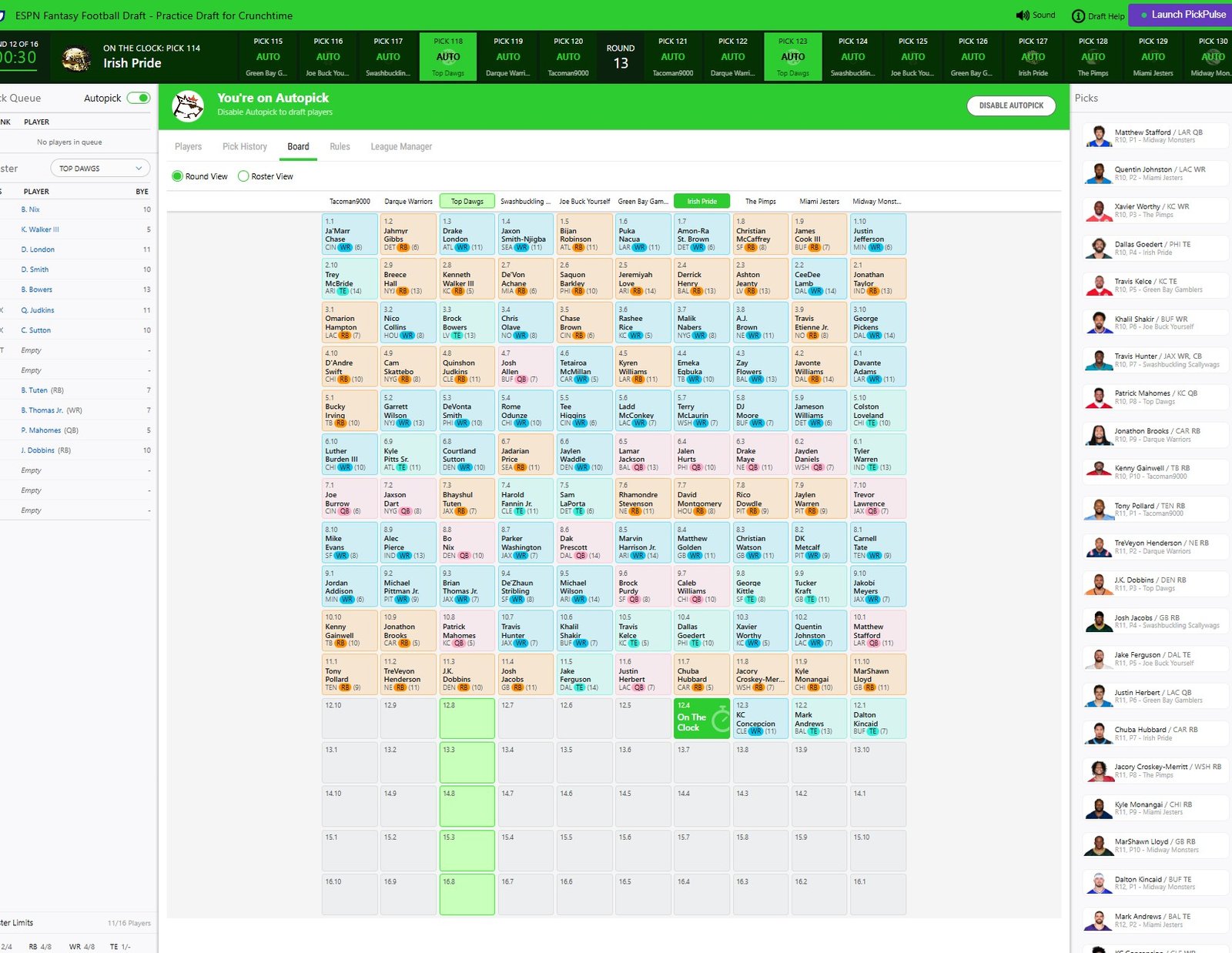
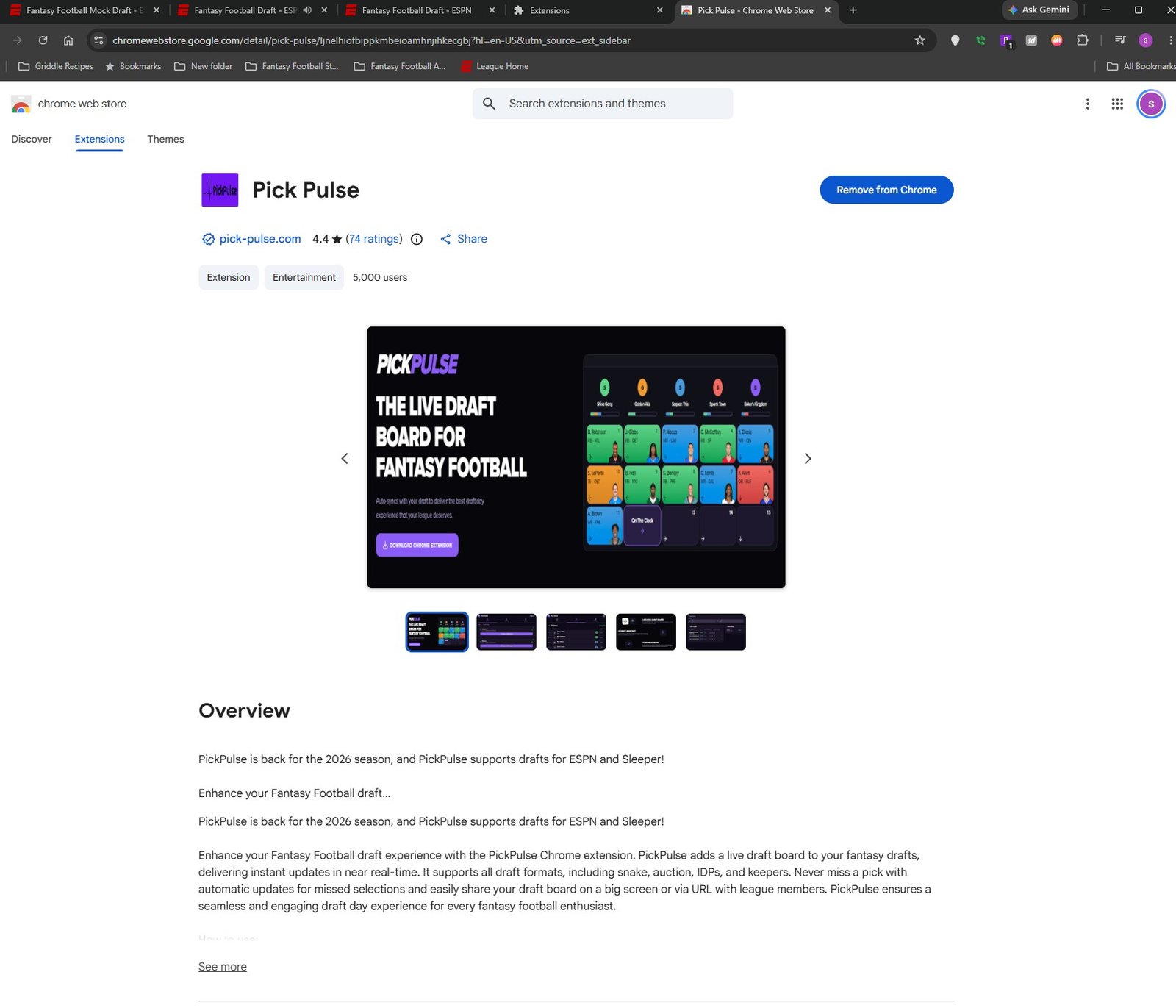
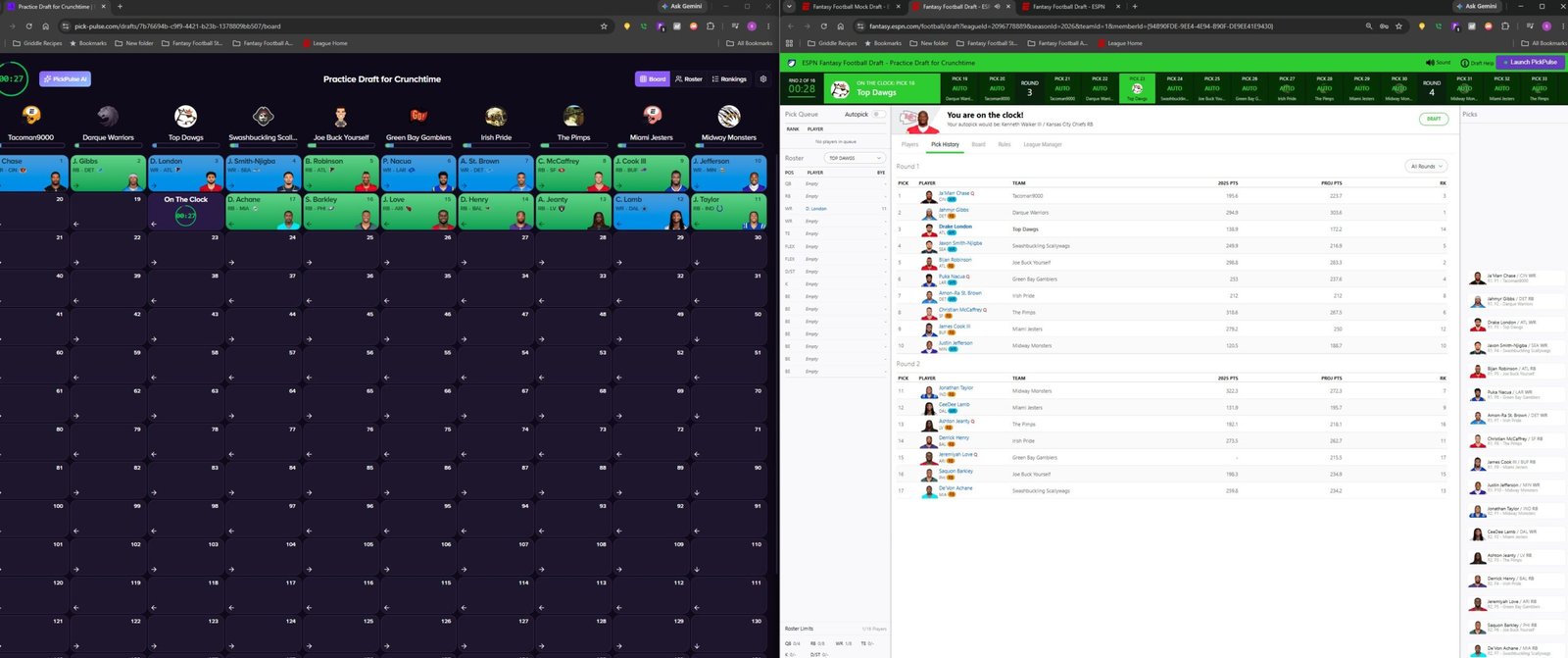
PICK PULSE is an alternate visual draft board that is synched with your current ESPN draft. Download the Extension and when you join an ESPN draft, look in the upper right corner for a button marked “LAUNCH PICK PULSE.”
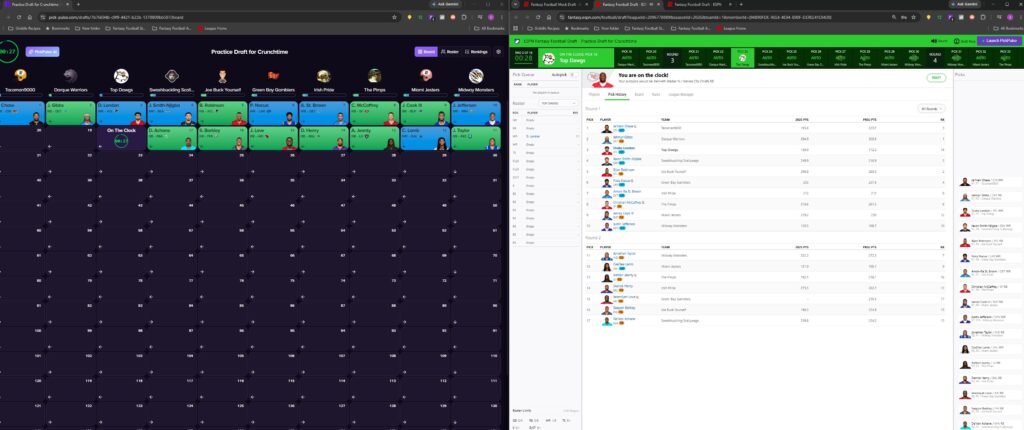
It will load separate Tab for your draft board that is quite better. Drag the tab out to open another browser and BOOM, you have a draft board and your ESPN Draft Room. See below.
You still draft on ESPN, but can use this additional tool to see a nice board.
Happy Drafting.
